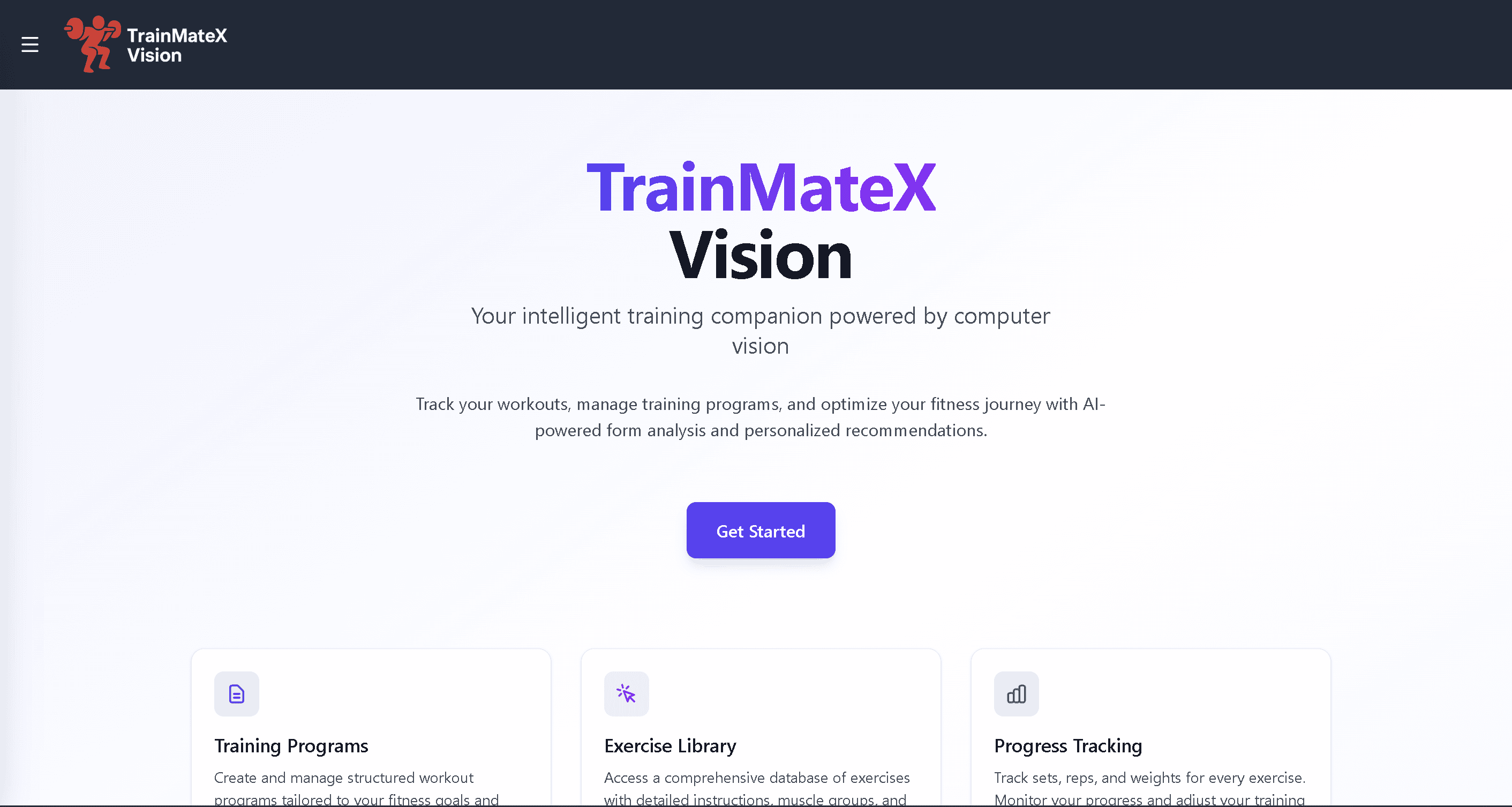
TrainMateX Vision
Fullstack training app with React 19 + TanStack Router on the front and ASP.NET Core / .NET 9 on the back. Clerk handles auth, every API endpoint is JWT-protected. The backend uses a four-layer architecture with full CRUD for training programs, workouts, and exercises.
Tech Stack
React 19 · TypeScript · Vite · Tailwind CSS v4 · TanStack Router · TanStack React Query · Clerk · C# · .NET 9 · ASP.NET Core · EF Core · SQL Server · JWT · GitHub Actions
Problem / Context
I wanted to build something that demonstrated the full stack from auth to database, not a toy project but something structured the way a real feature would be. TrainMateX Vision covers the complete flow: user registers via Clerk, gets a JWT, and that token protects every backend endpoint. The domain is workout management (programs, sessions, exercises) because it's concrete enough to make the data model meaningful.
Solution / Architecture
The frontend was built with React 19, TypeScript, Vite, Tailwind CSS v4, TanStack Router for type-safe routing, and TanStack React Query for server state management. Clerk handles authentication, issuing JWTs consumed by the backend. The backend is an ASP.NET Core Web API built with C# / .NET 9, EF Core, and SQL Server, organized into API, Application, Domain, and Infrastructure layers. All endpoints are JWT-protected with a CORS policy, and the API exposes training programs, workouts, workout exercises, an exercise catalog, and user profile management.
How It Works – Architecture Flow
- 1User navigates to the React frontend (Vite + TanStack Router)
- 2Clerk handles authentication — user logs in and receives a signed JWT
- 3TanStack React Query sends requests to the ASP.NET Core API with the JWT as a Bearer token
- 4ASP.NET Core middleware validates the JWT — unauthorized requests are rejected early
- 5The Application layer processes the request and calls Domain logic
- 6The Infrastructure layer (EF Core) reads or writes to SQL Server
- 7The API returns a JSON response — React Query caches the result and updates the UI
Goals
- Build a fullstack app that demonstrates layered backend architecture in practice
- Integrate Clerk authentication with a JWT-protected ASP.NET Core API
- Implement CRUD flows for training programs, workouts, and exercises
- Use TanStack Router and React Query for a modern, type-safe frontend
- Deploy with GitHub Actions for automated CI/CD
Challenges
- Wiring Clerk JWT tokens from the frontend into the ASP.NET Core middleware pipeline
- Designing a clean domain model for training programs, workouts, and exercises with proper relationships
- Keeping the Application and Domain layers free of infrastructure concerns
- Configuring CORS correctly for a cross-origin frontend/backend setup
Key Technical Decisions
- Clerk for authentication – well-established auth provider with straightforward JWT integration
- TanStack Router for type-safe, file-based routing in React
- Layered backend architecture (API / Application / Domain / Infrastructure) for maintainability
- EF Core + SQL Server for familiar, well-supported .NET persistence
- GitHub Actions for automatic CI/CD deployment
Results / Impact
- A complete fullstack app with Clerk auth, protected API endpoints, and full CRUD for workouts and training programs
- Working integration across all layers: React frontend, Clerk JWT, ASP.NET Core API, SQL Server
- Clean layered backend architecture that's easy to extend
- Practical experience with TanStack Router and TanStack React Query in a real project
What I Learned
Wiring Clerk JWT tokens into the ASP.NET Core middleware looked simple on paper but required careful configuration around CORS and token validation. The layered architecture paid off quickly: keeping Application and Domain free of infrastructure concerns made it easy to add features without touching existing logic. TanStack Router and React Query together give the frontend a level of structure that plain React with useEffect doesn't provide.
What I Would Improve Next
- Add workout logging and progress tracking over time
- Build a dashboard with visualized training statistics
- Extend to a mobile app using React Native